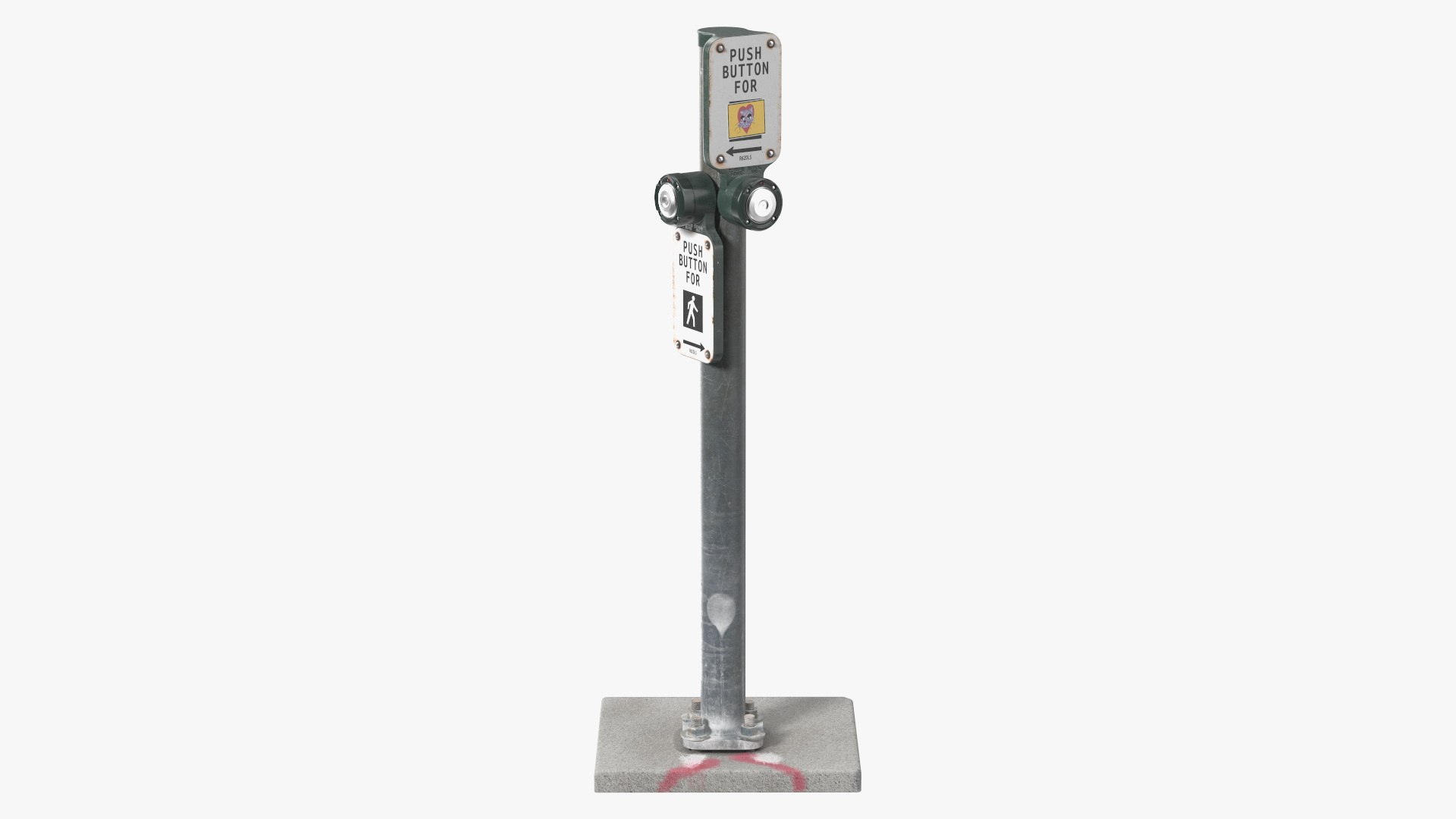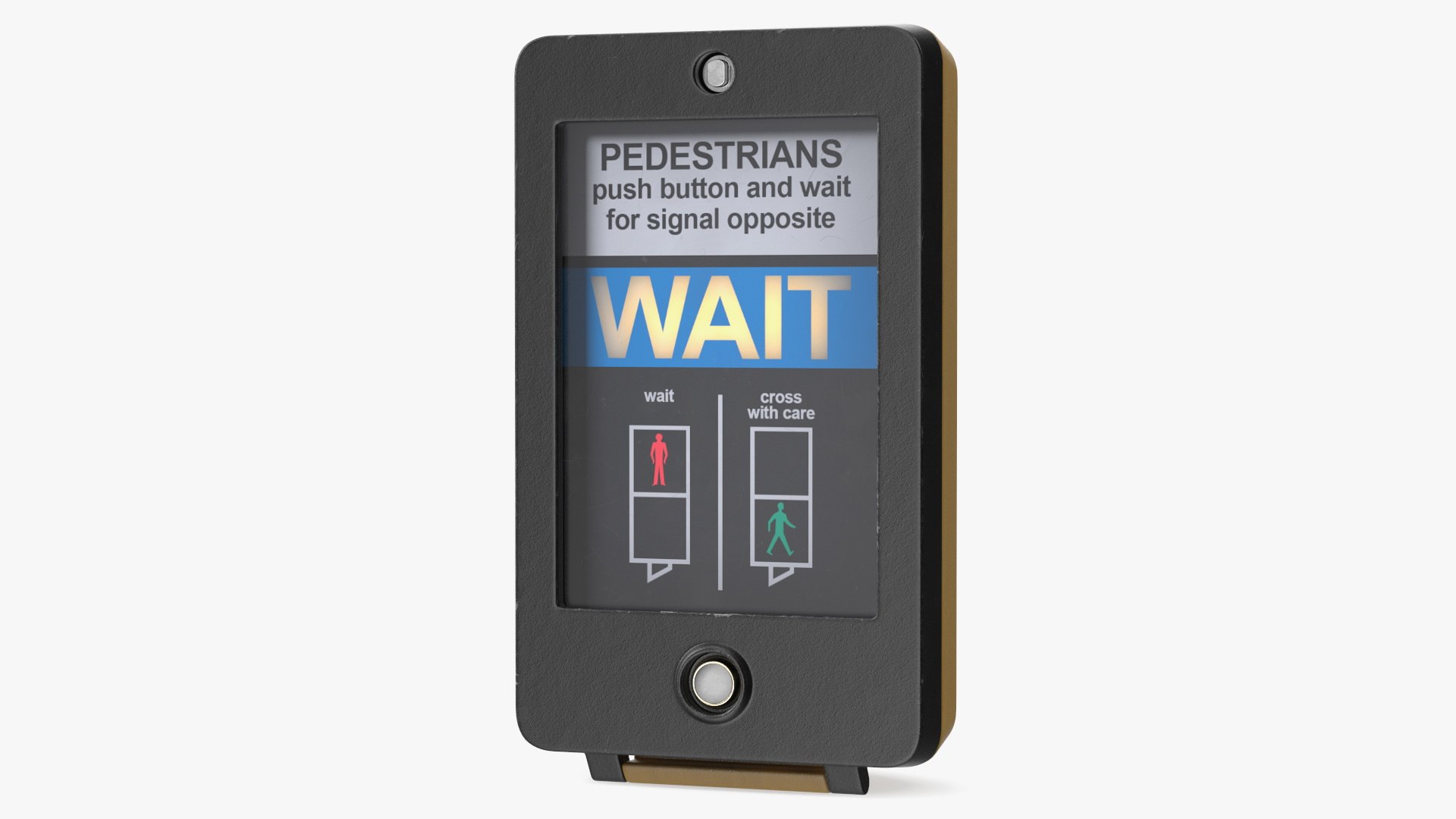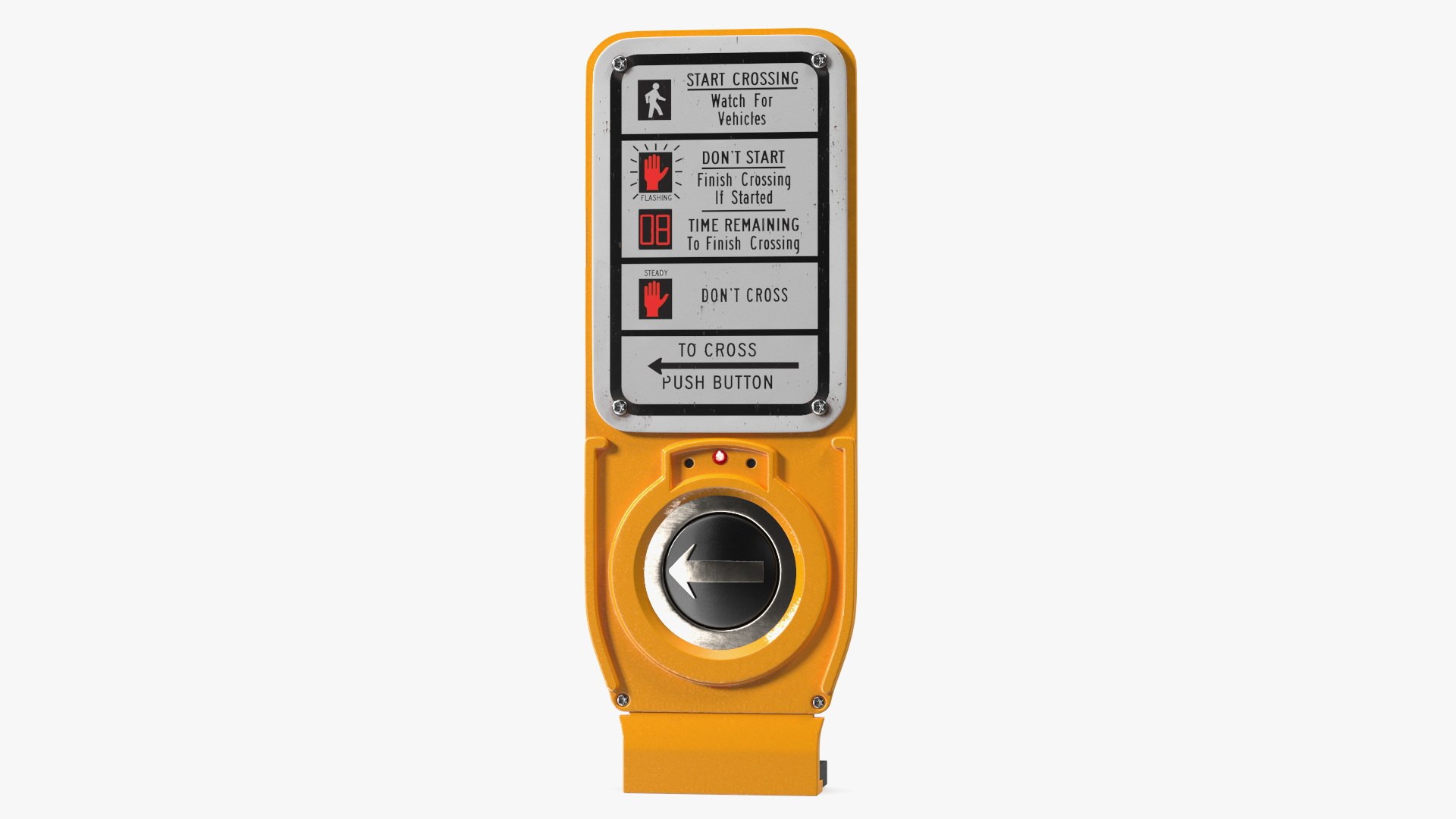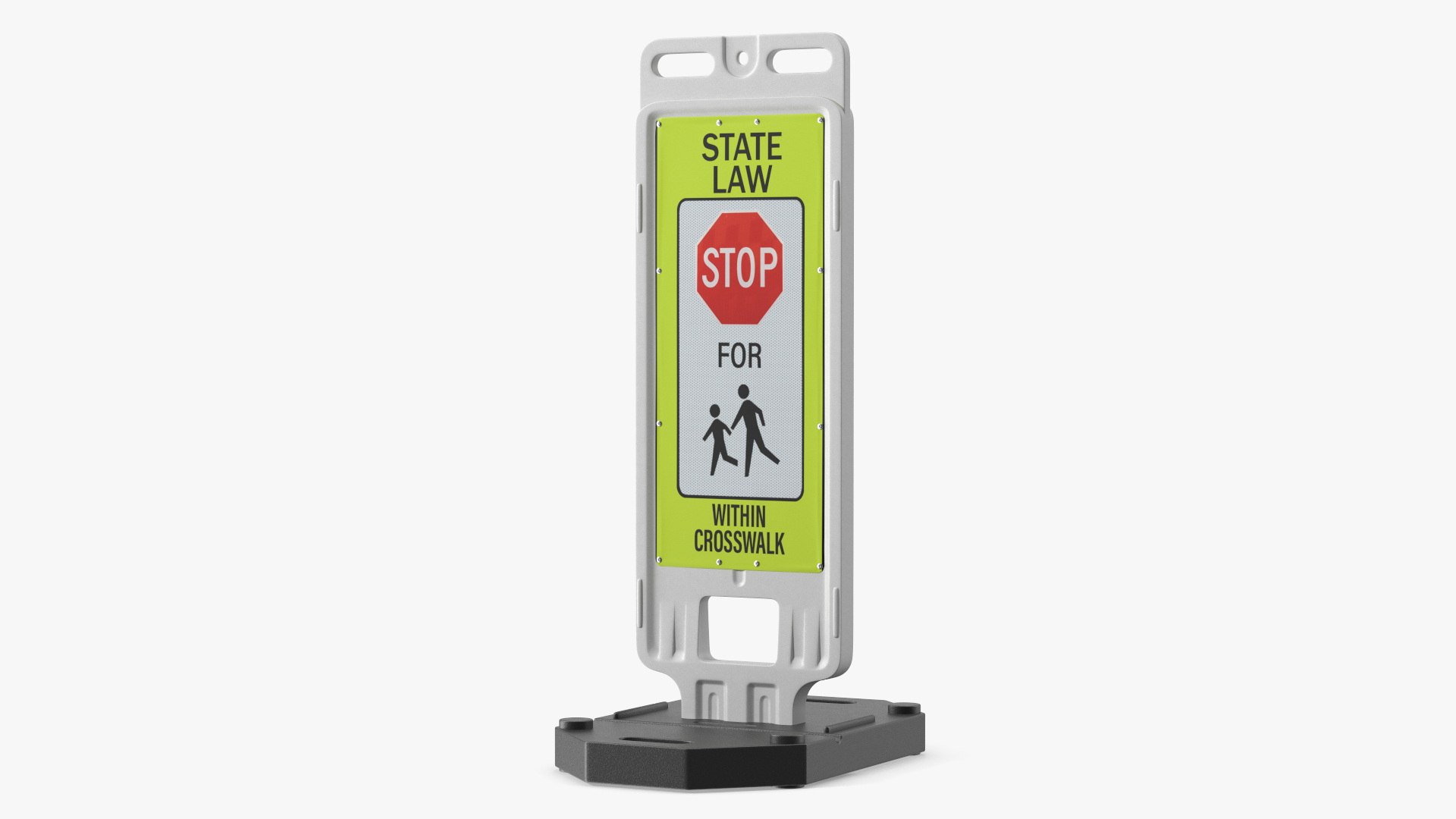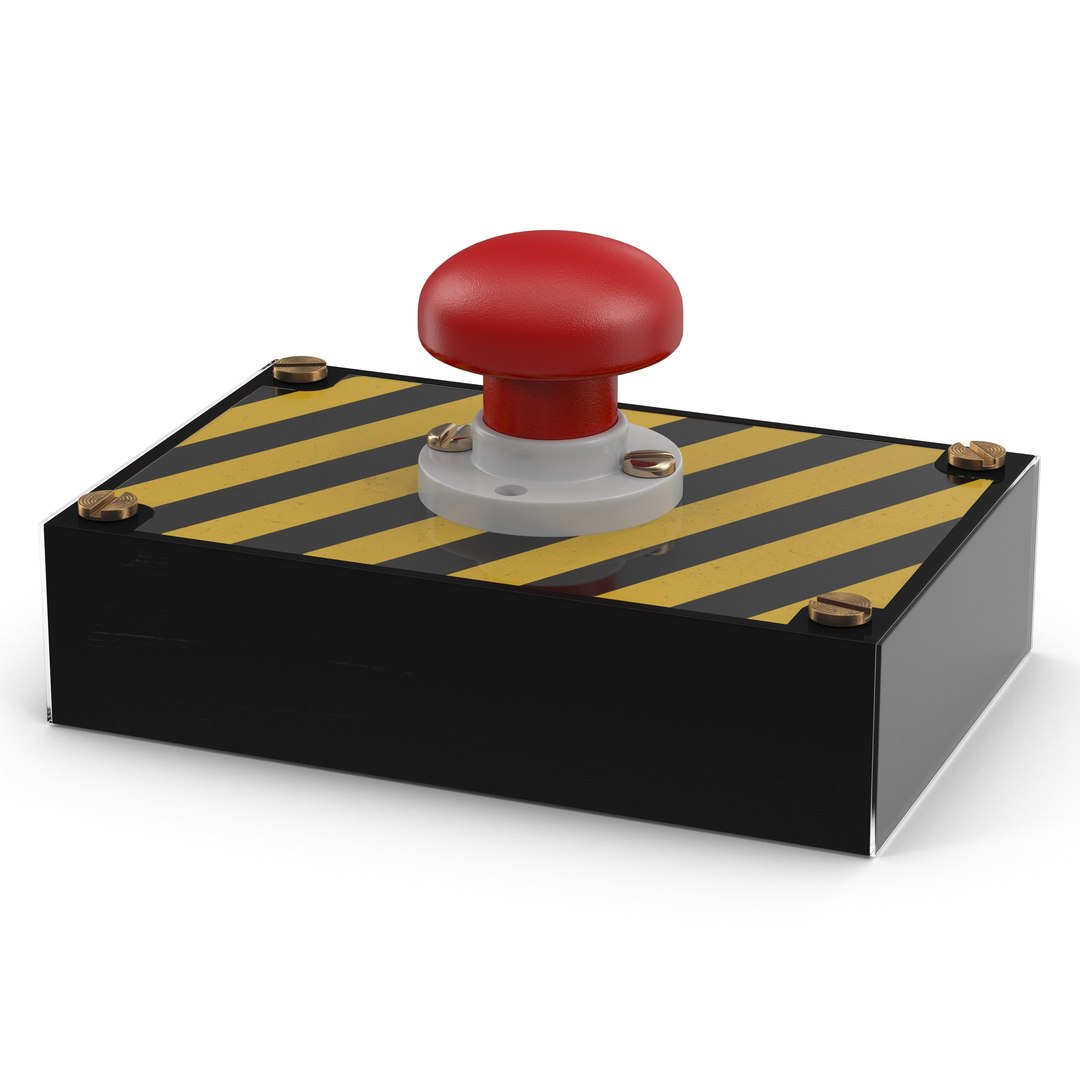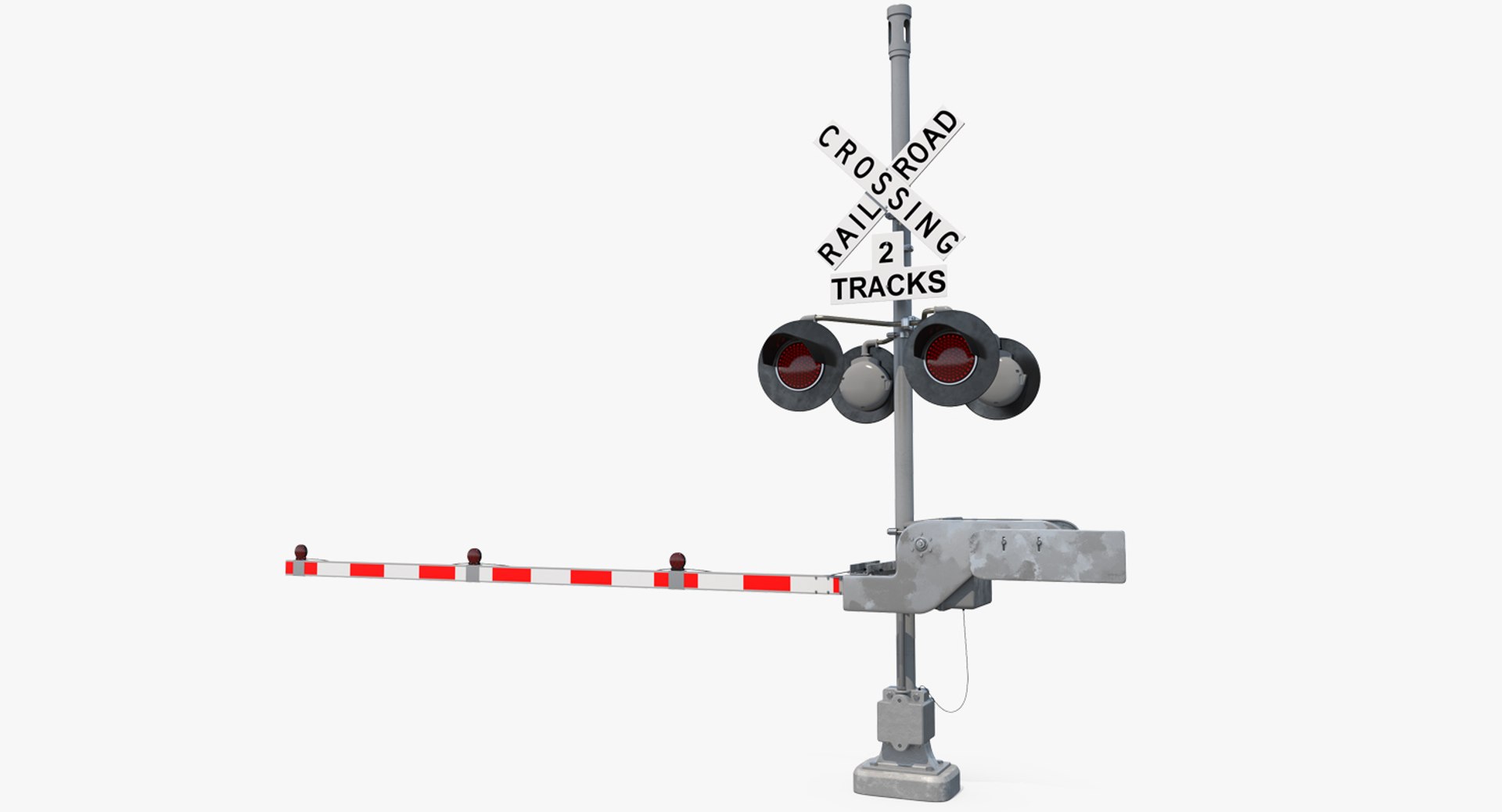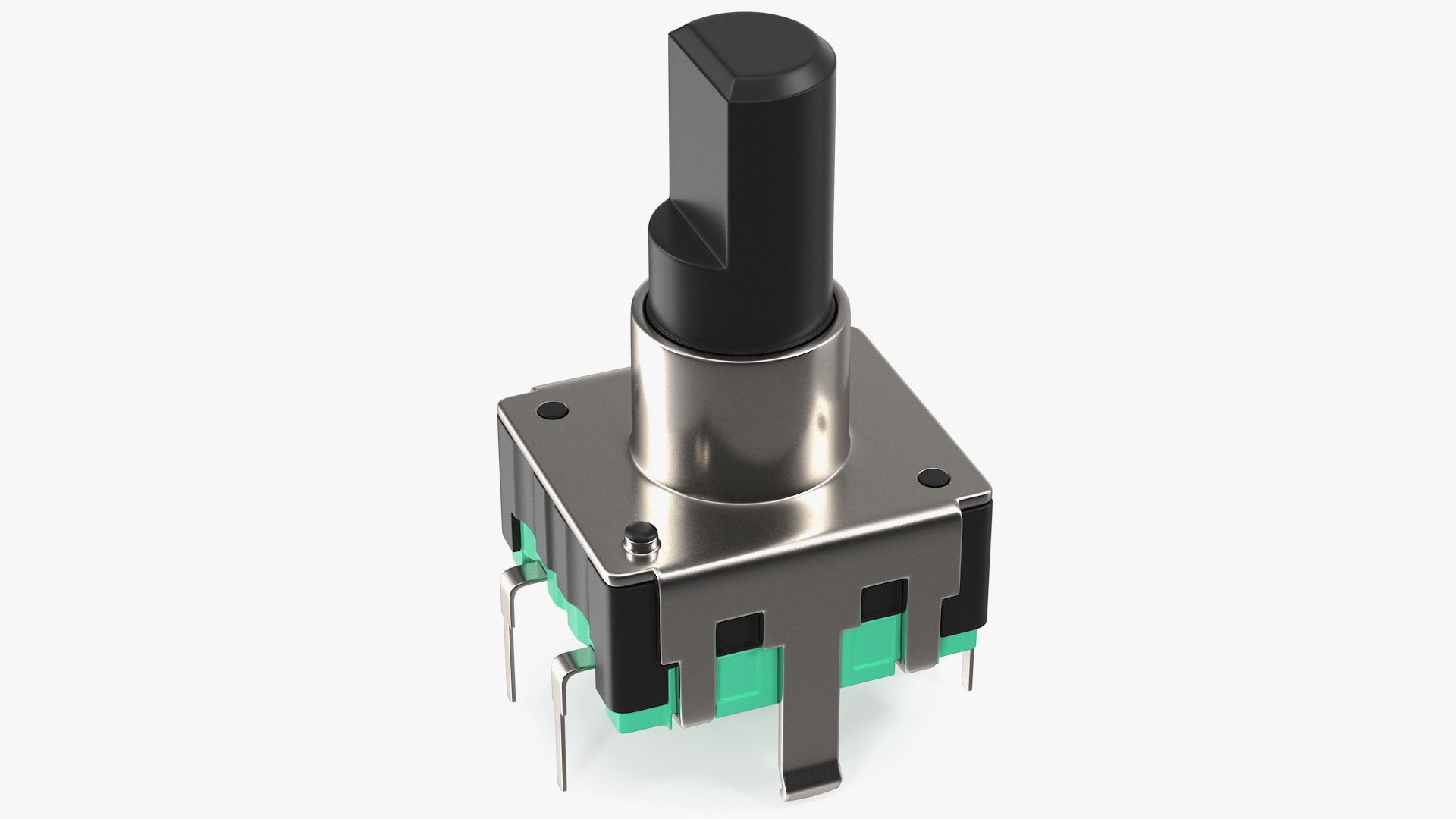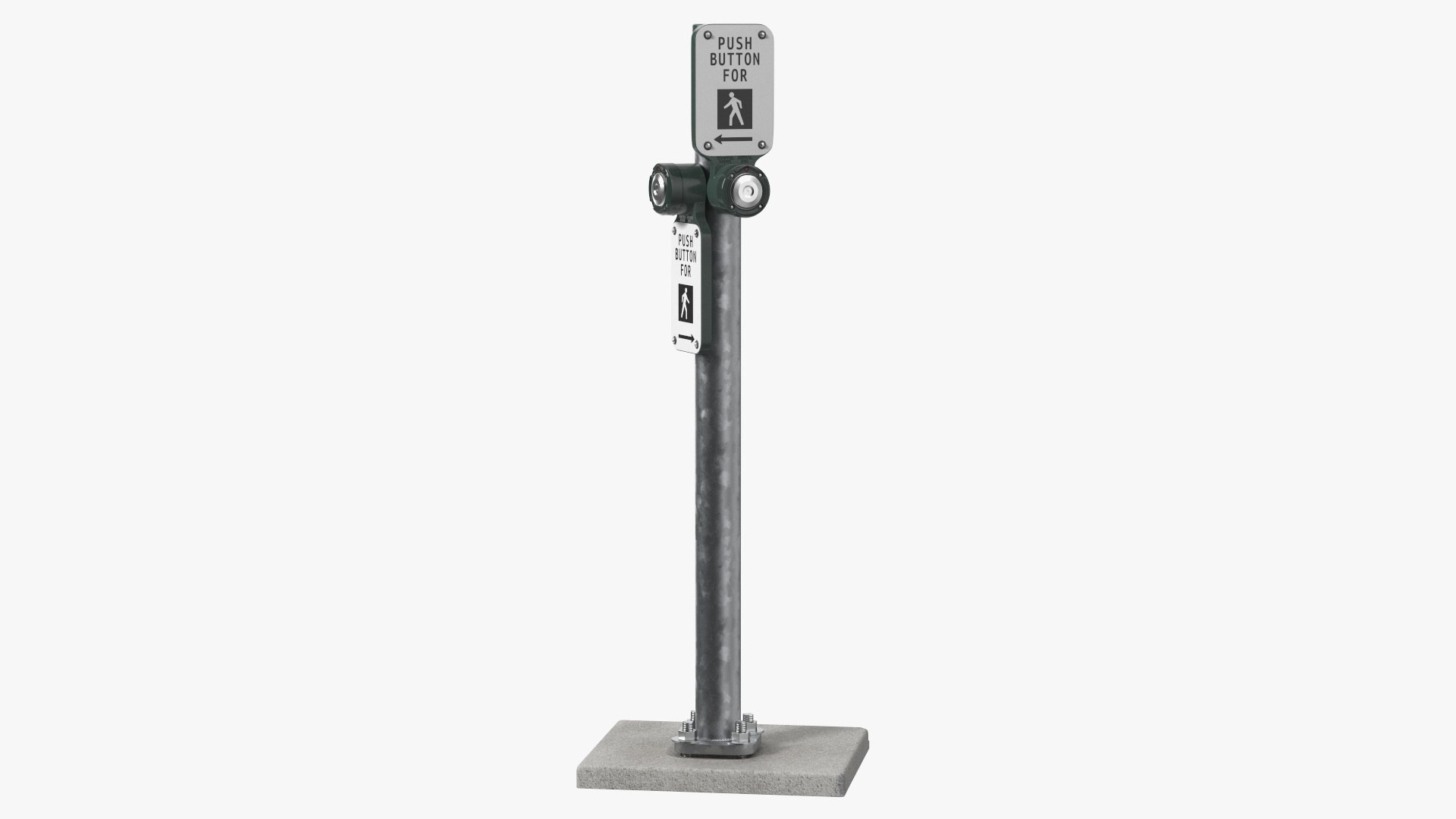
Crosswalk Button is one of the Architecture & Landmarks models in the 3D Molier catalog, listed at $28. Geometry weighs in at 36,646 polygons over 19,036 vertices. Compare it with the rest of your scene rather than with an abstract threshold - that is what decides whether it is affordable.
The model is watertight where it should be and open where it should be, so it behaves in both rendering and simulation. Pivots, naming and grouping follow the same logic throughout, so the model behaves the same way in every shot it appears in. The listing flags architectural visualization, film & TV VFX and product rendering as the intended applications.
In the catalog since 2023, which is a longer track record than most listings carry. It is aimed at architectural visualization, city scenes, advertising renders and VR walkthroughs.
Questions About This Model
Which industries use the Crosswalk Button model?
Architecture, Film & Video Production and Advertising are the primary industries on this listing, though the Royalty Free license puts no limit on where the model is actually used.
What should I search for to find models like the Crosswalk Button?
Useful search terms are crosswalk, button and pedestrian. Browsing the Architecture & Landmarks category shows the closest alternatives at a range of prices.
What is the Crosswalk Button model typically used for?
Stated applications are architectural visualization, film & TV VFX and product rendering. Because the asset is finished rather than a base mesh, it also holds up as set dressing in scenes it was not specifically built for.
What file formats does the Crosswalk Button 3D model come in?
Format availability differs by model, so the authoritative list sits on the TurboSquid listing - each download is named with its size. Check it first if a specific renderer is required.