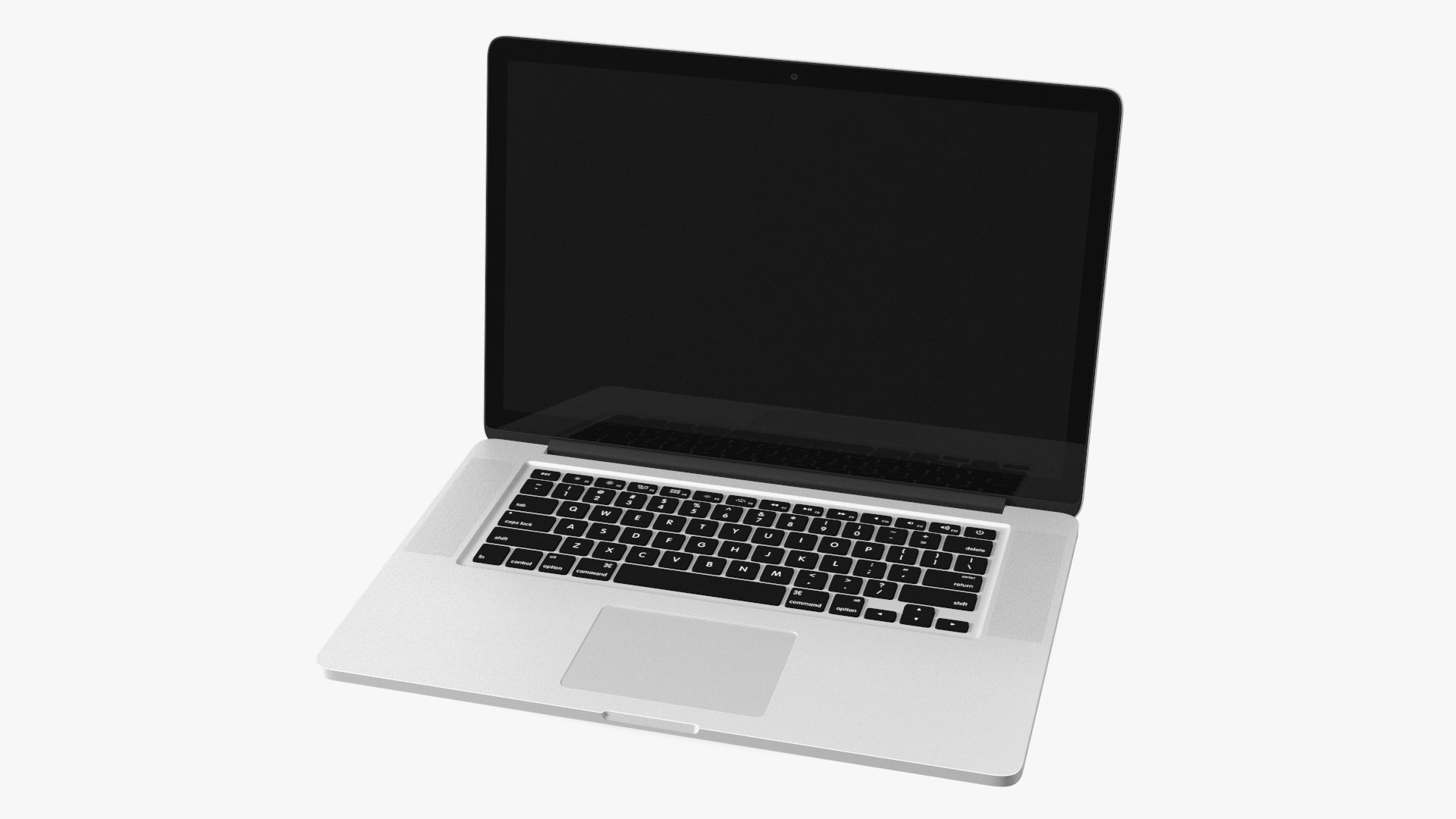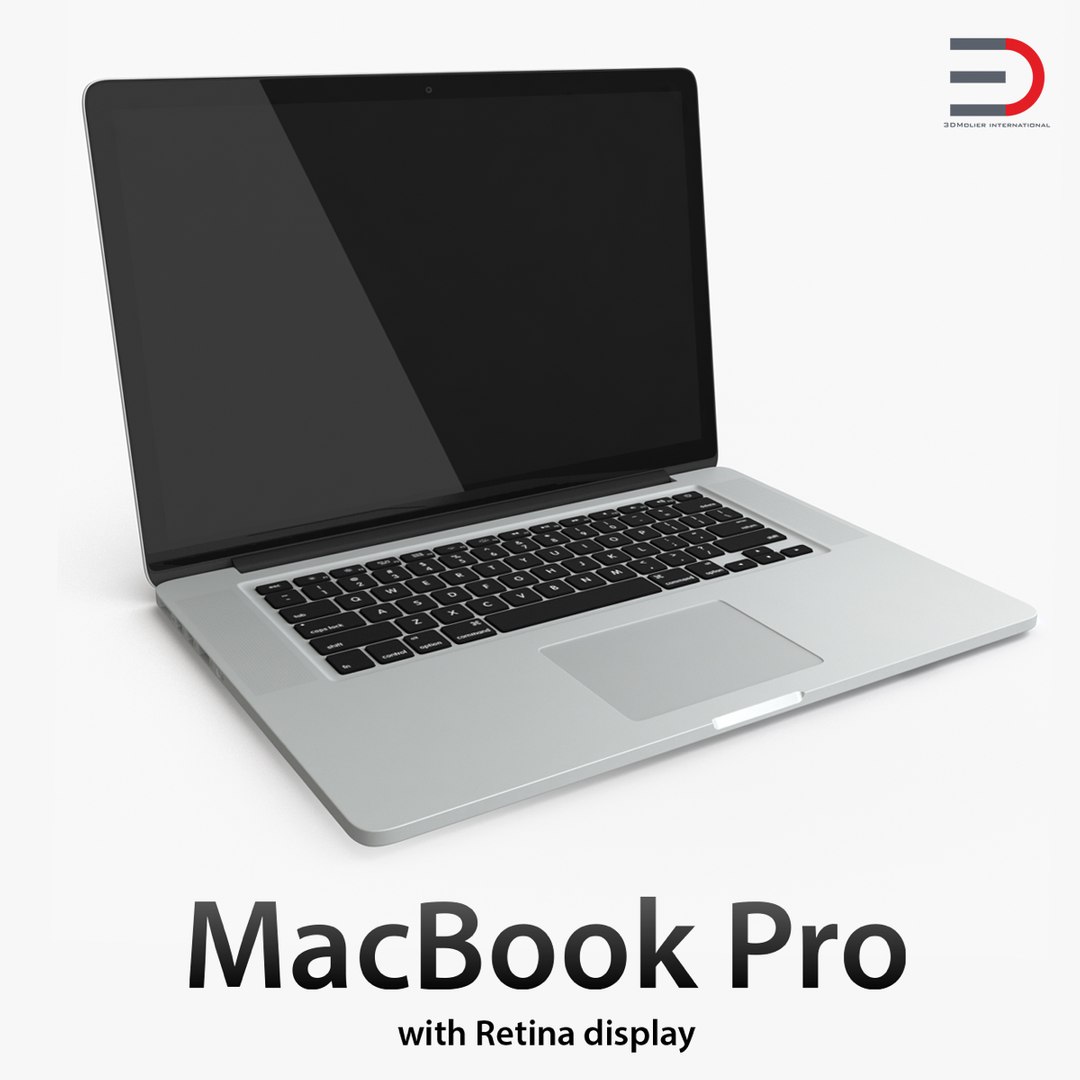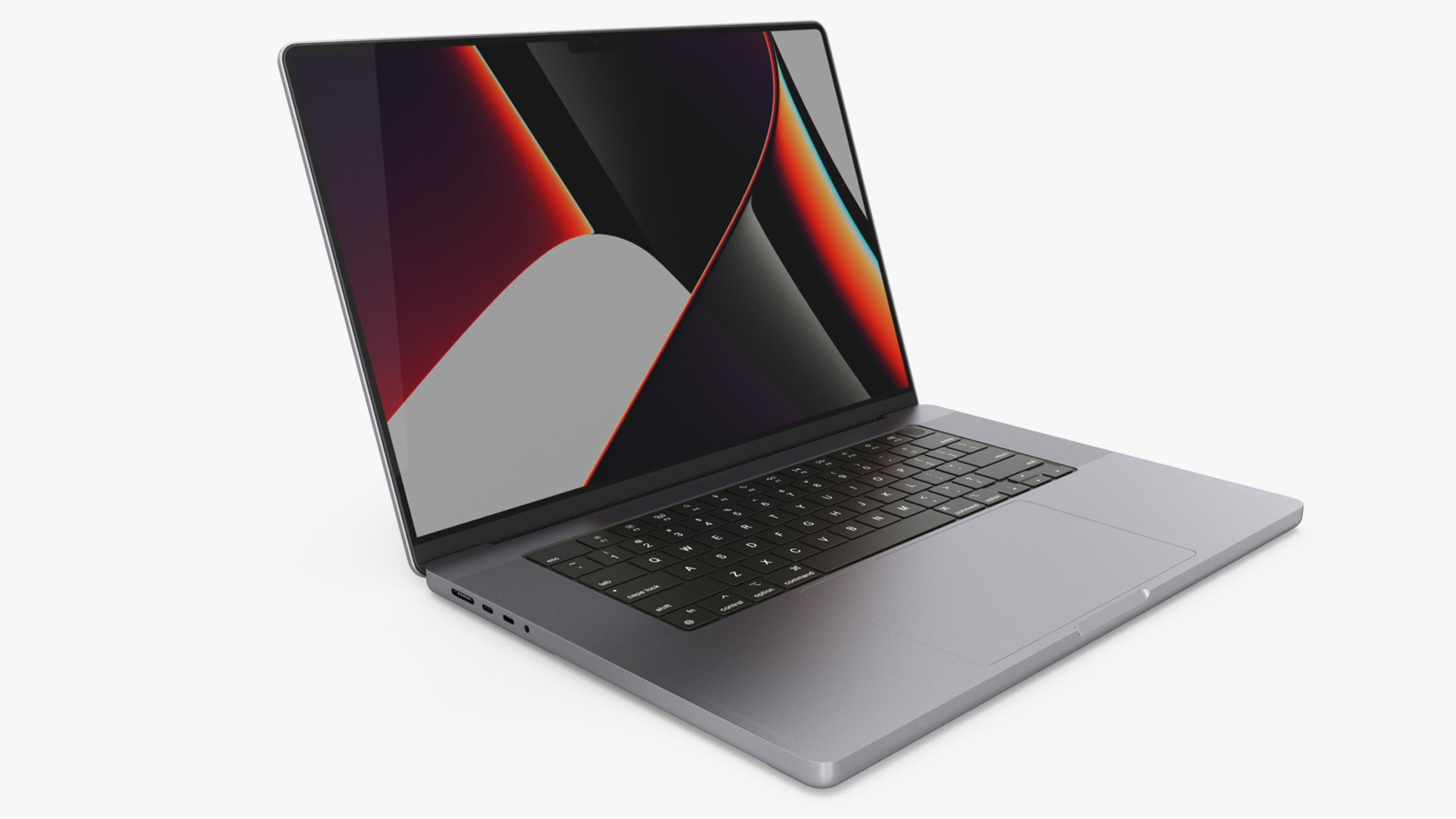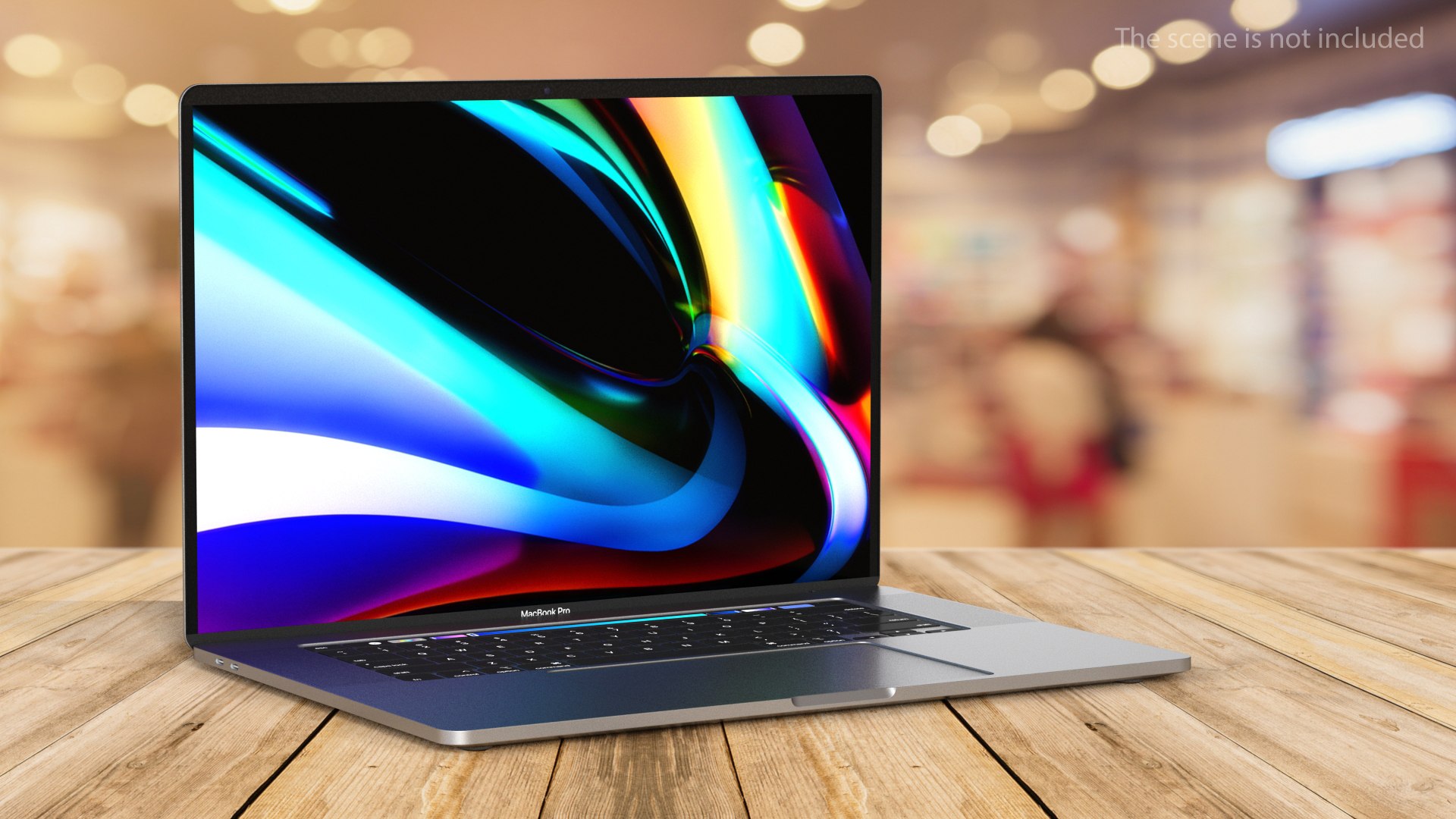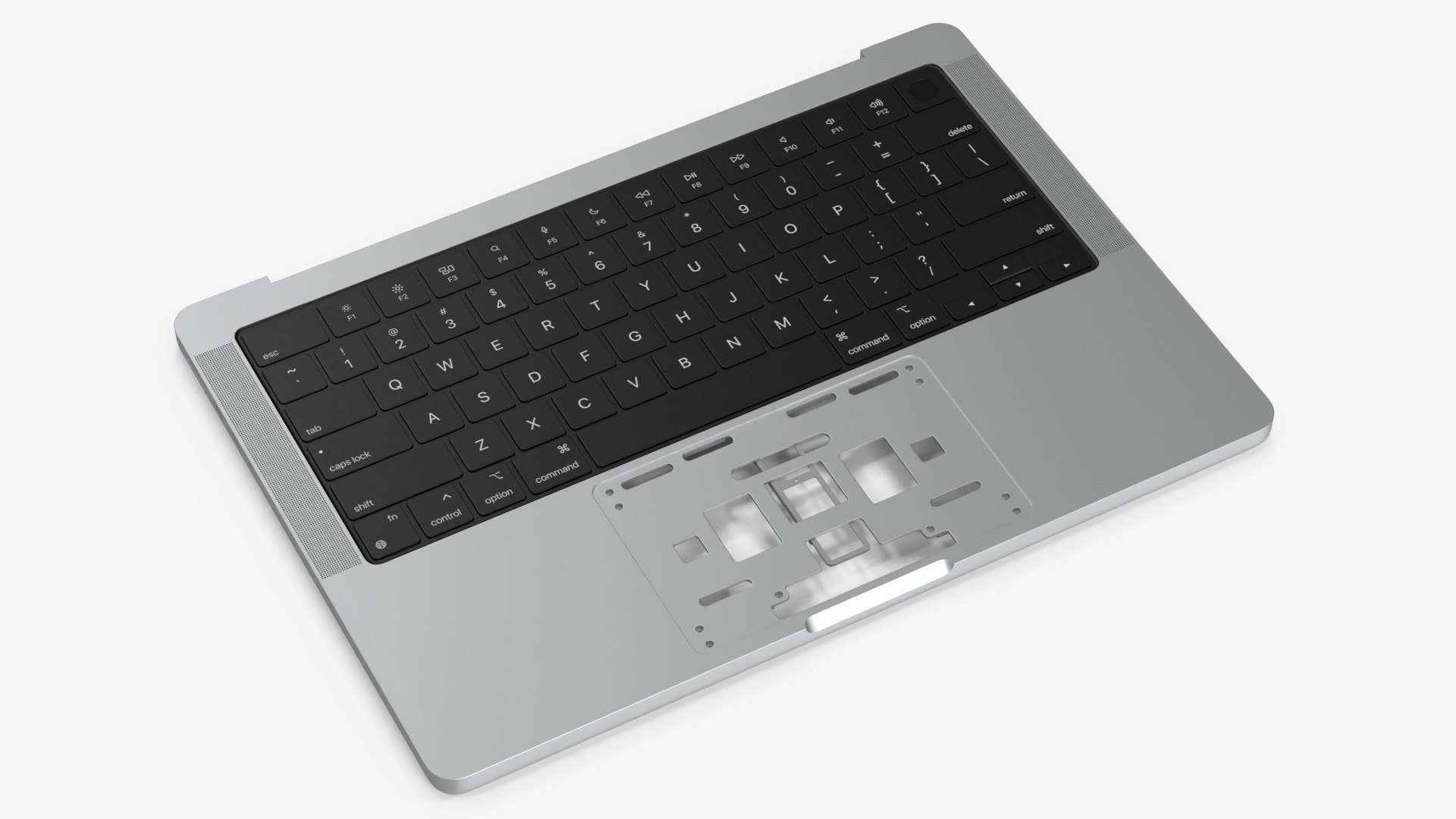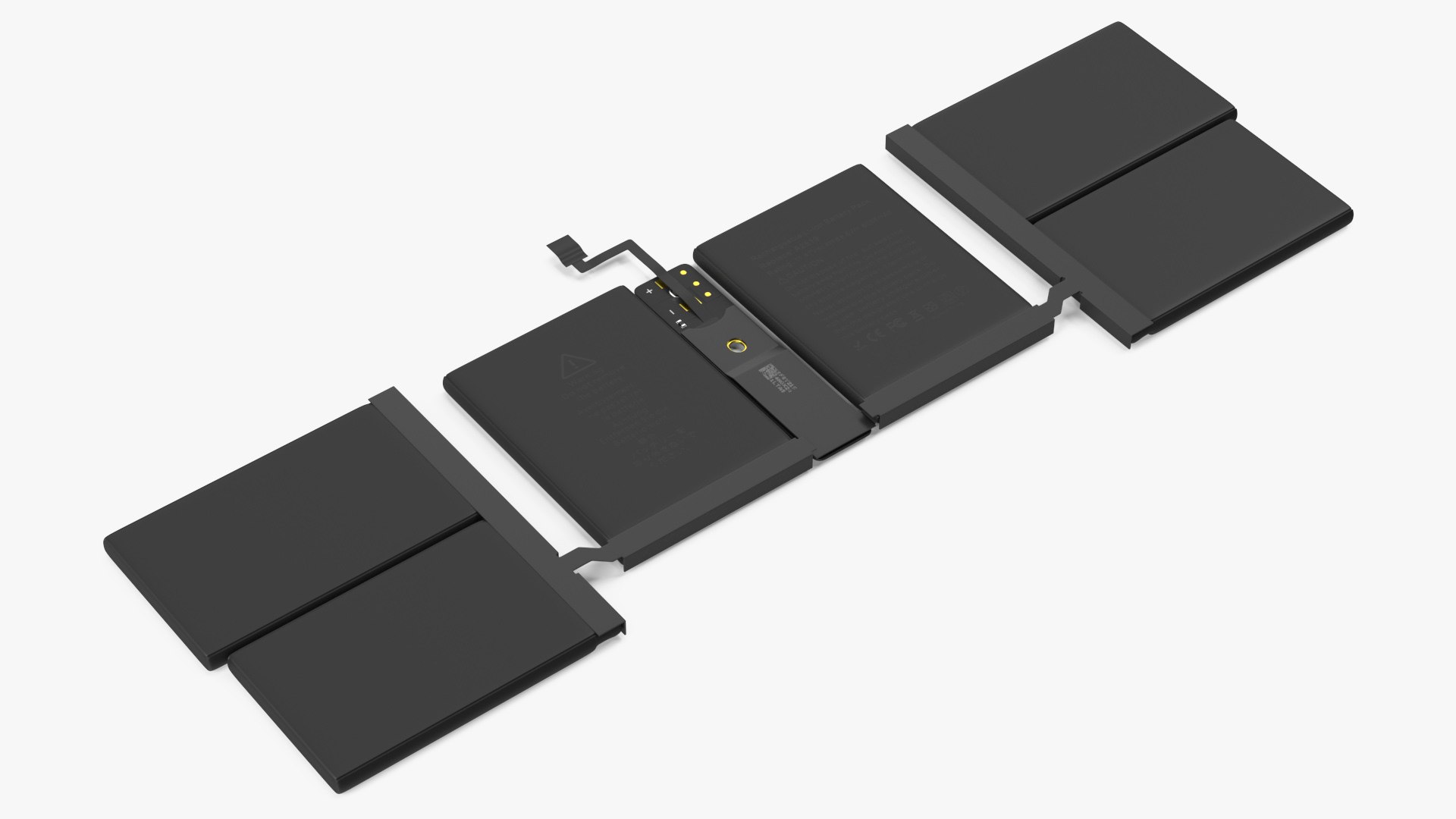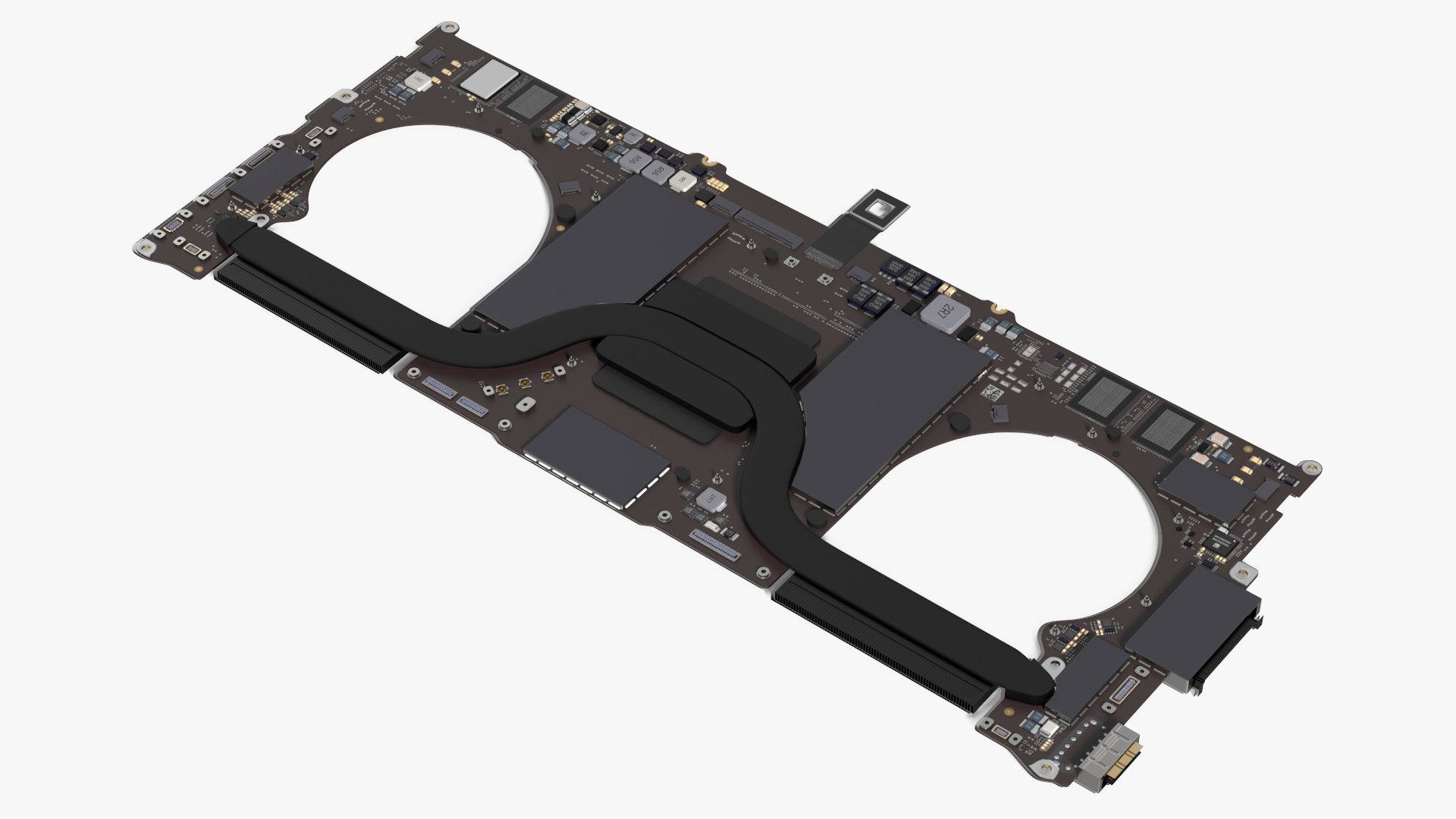
MacBook Pro with Retina Display 15 Inch Model 3D Model
This Electronics & Gadgets model - MacBook Pro with Retina Display 15 Inch Model - is ready to drop into a scene as-is, and sells for $59 on TurboSquid. Geometry weighs in at 21,215 polygons over 22,367 vertices. Compare it with the rest of your scene rather than with an abstract threshold - that is what decides whether it is affordable.
Surface detail comes from 8 textures at 8192 x 8192 and 4096 x 4096 rather than from geometry alone. The geometry is built to be worked with: predictable loops, no doubled faces, nothing hidden inside the shell. Pivots, naming and grouping follow the same logic throughout, so the model behaves the same way in every shot it appears in.
The listing flags technical visualization, software demos and film & TV VFX as the intended applications. In the catalog since 2015, which is a longer track record than most listings carry. It is aimed at product rendering, UI and app mockups and game and film props.
Questions About This Model
Where can I buy the MacBook Pro with Retina Display 15 Inch Model 3D model?
It is sold through TurboSquid, where this listing has been available since 2015. Purchase, download and licensing are handled by TurboSquid; delivery is immediate after checkout.
How clean is the geometry on the MacBook Pro with Retina Display 15 Inch Model model?
The mesh uses organized, quad-dominant topology at real-world scale, with objects named and grouped rather than merged into one block.
Can the MacBook Pro with Retina Display 15 Inch Model model be used in a commercial project?
No. The model depicts a real branded product, so TurboSquid lists it under the Editorial Uses Only license. It may be used in news, commentary, education, personal projects and similar editorial contexts, but not in advertising, on merchandise or in any product offered for sale. See our license guide.
What file formats does the MacBook Pro with Retina Display 15 Inch Model 3D model come in?
Format availability differs by model, so the authoritative list sits on the TurboSquid listing - each download is named with its size. Check it first if a specific renderer is required.