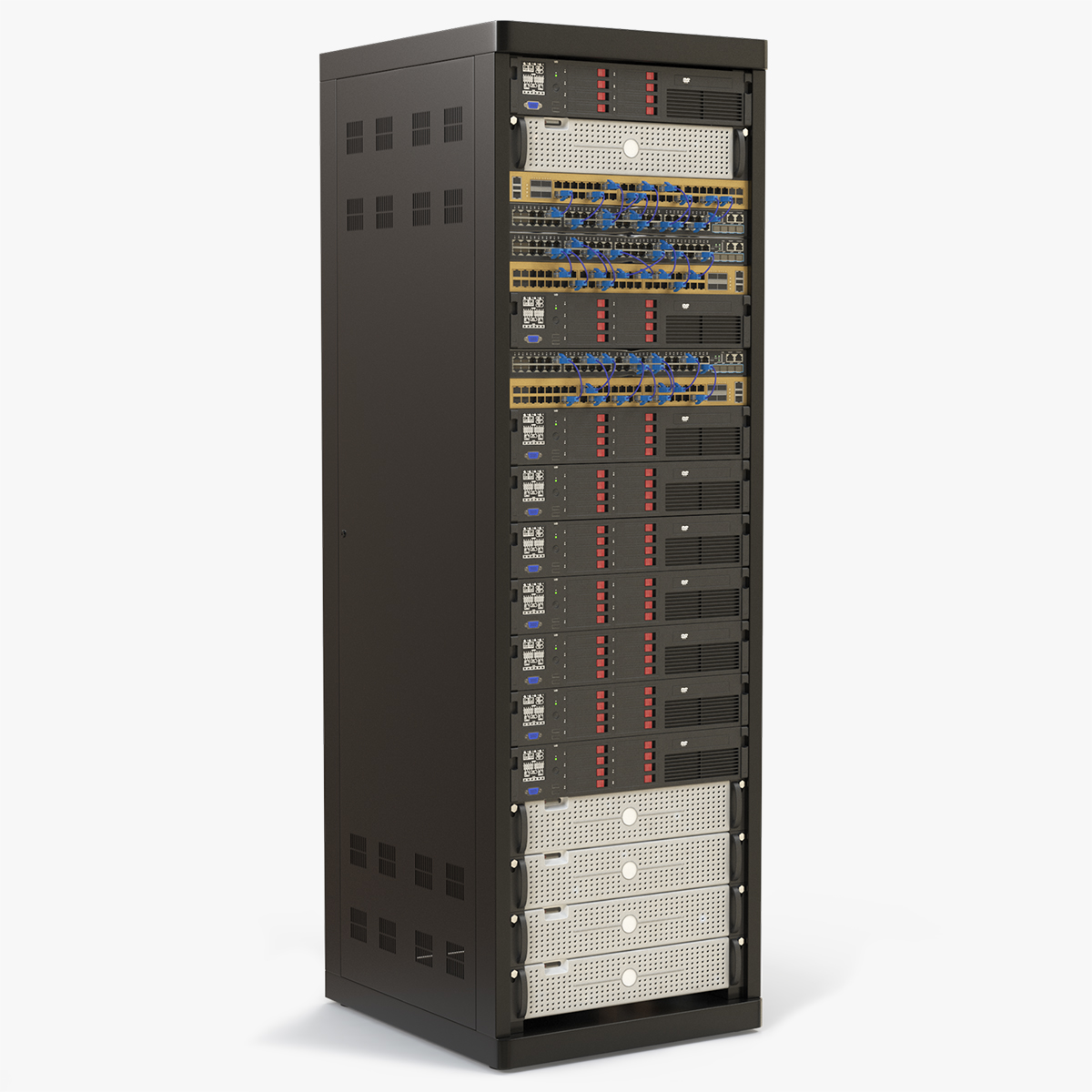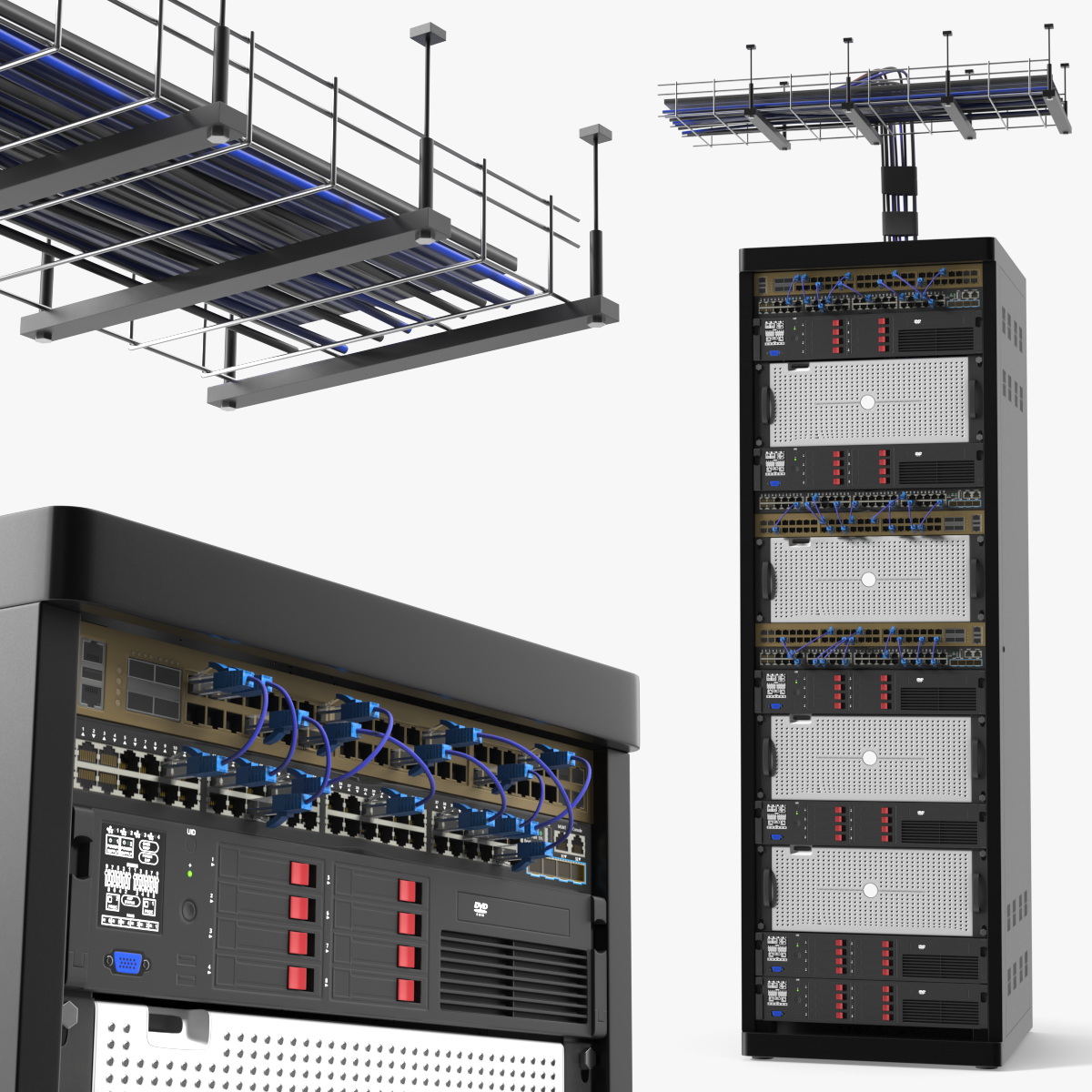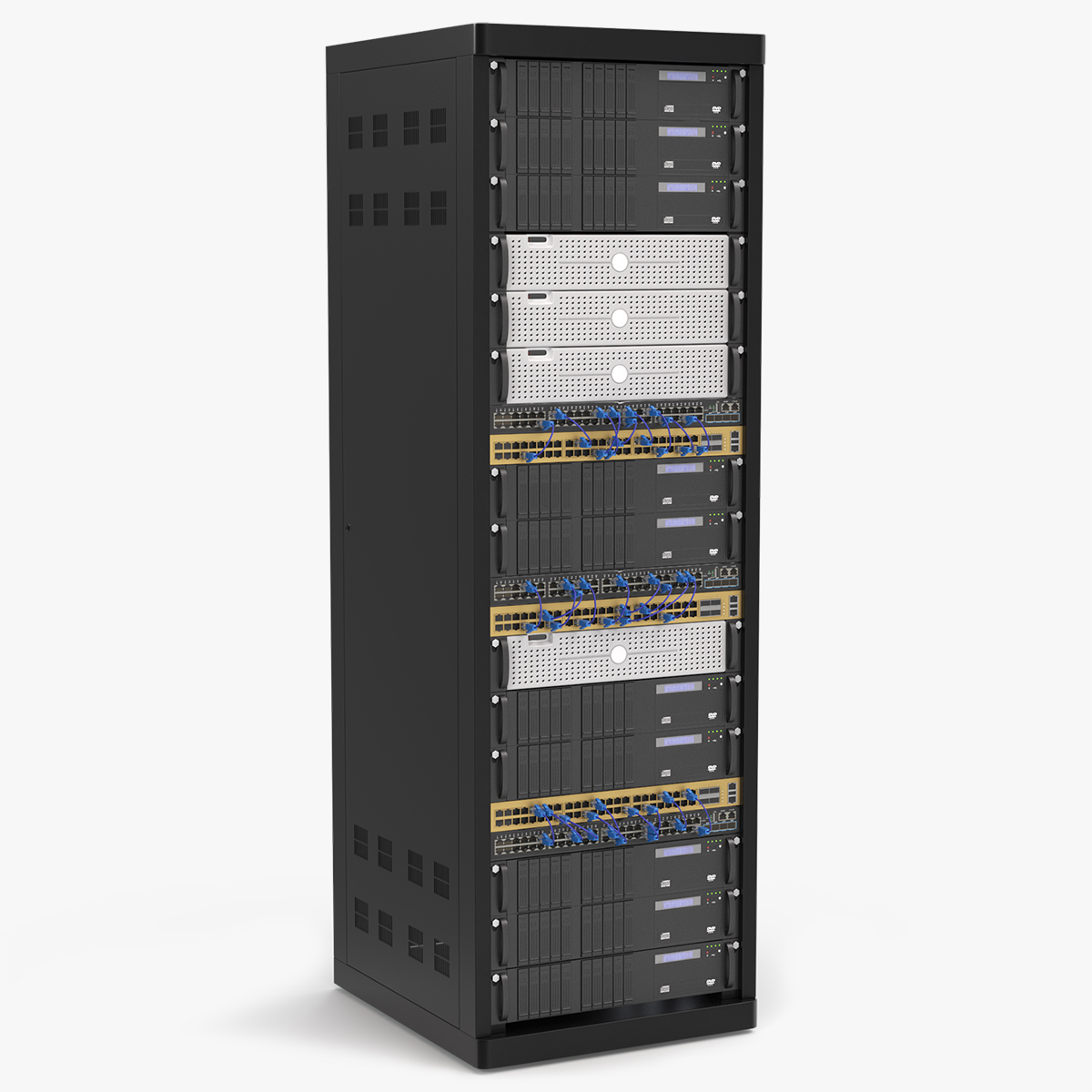
Rackmount Storage Cabinet with Switches
A server rack cabinet fitted with network switches and patch ports, the core furniture of any data room or office closet. The Rackmount Storage Cabinet with Switches uses 48,342 polygons, spending them on vented doors, mounting rails and port rows.
Its 55,188 vertices give each switch faceplate defined edges, so status lights and sockets stay crisp in renders. CheckMate certification means clean geometry and correct scale when it arrives in your scene. The tall enclosure reads clearly in a wide shot, and the front glass lets viewers see the equipment inside.
New for 2026 and priced at $59, the cabinet fits IT infrastructure visuals, office interiors and cybersecurity films. Line several cabinets in a row to suggest a data center aisle, or tuck one into a corner of a small office. Network engineers preparing training material get a clear view of where switches mount inside a standard rack. Glowing indicator lights added in your renderer make the cabinet feel powered and active.
See this model in motion
Rackmount Storage Cabinet with Switches - 3D Model - from the 3D Molier channel.
Questions About This Model
Can the Rackmount Storage Cabinet with Switches model be used in a commercial project?
It ships with TurboSquid's Royalty Free license, so a single purchase covers commercial delivery - you do not pay again per project or per seat of the finished work.
What file formats does the Rackmount Storage Cabinet with Switches 3D model come in?
Every included file is listed on the product page at TurboSquid, with format and size shown per download. That page is the source of truth rather than this summary.
What should I search for to find models like the Rackmount Storage Cabinet with Switches?
Useful search terms are rackmount, storage and cabinet. Browsing the Electronics & Gadgets category shows the closest alternatives at a range of prices.
What size is the Rackmount Storage Cabinet with Switches in real-world units?
64.45 x 79.32 x H201.24 cm. The model is built at true scale, so it lands at the right size next to other objects instead of needing a unit fix on import.